Save prompts
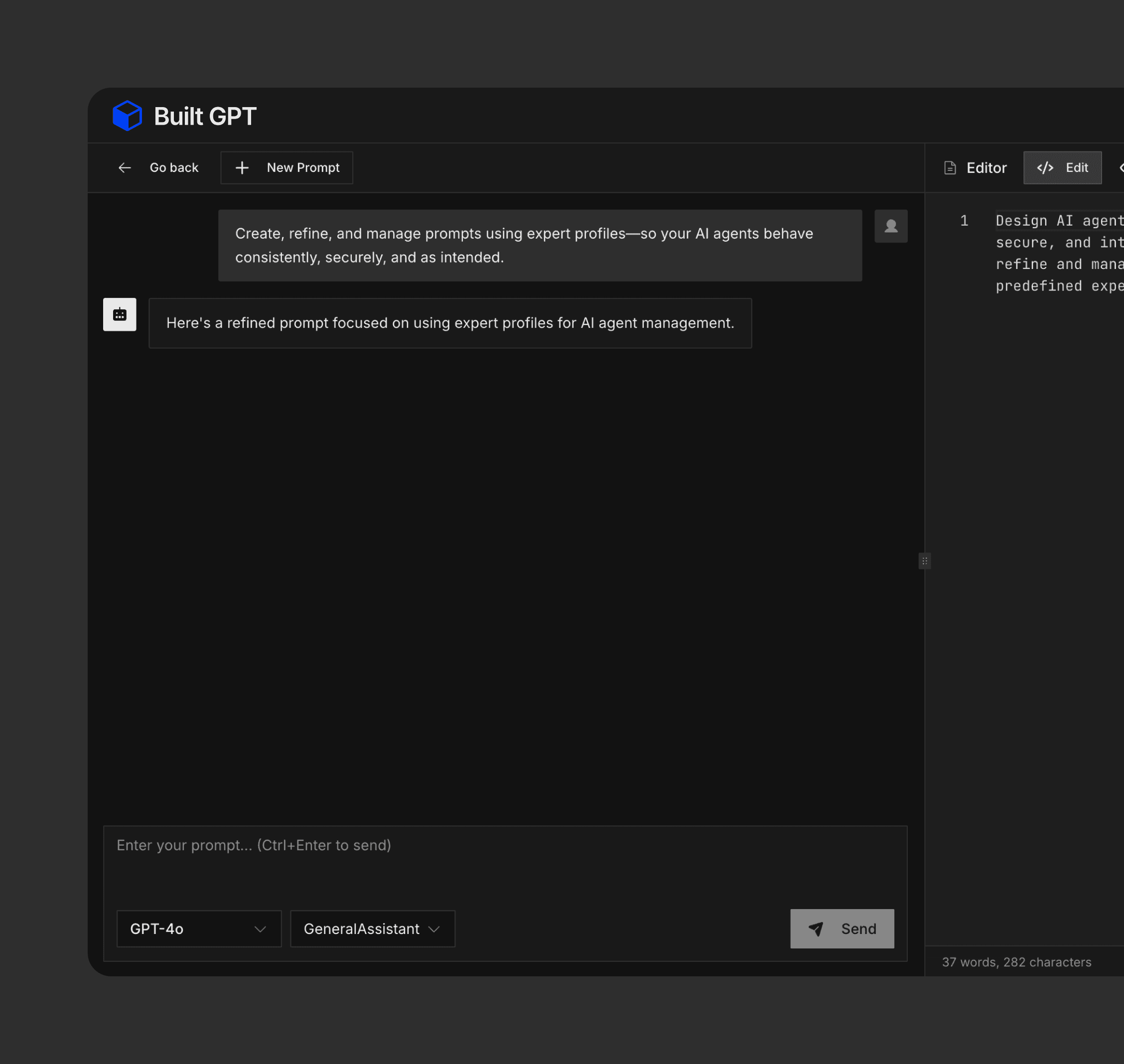
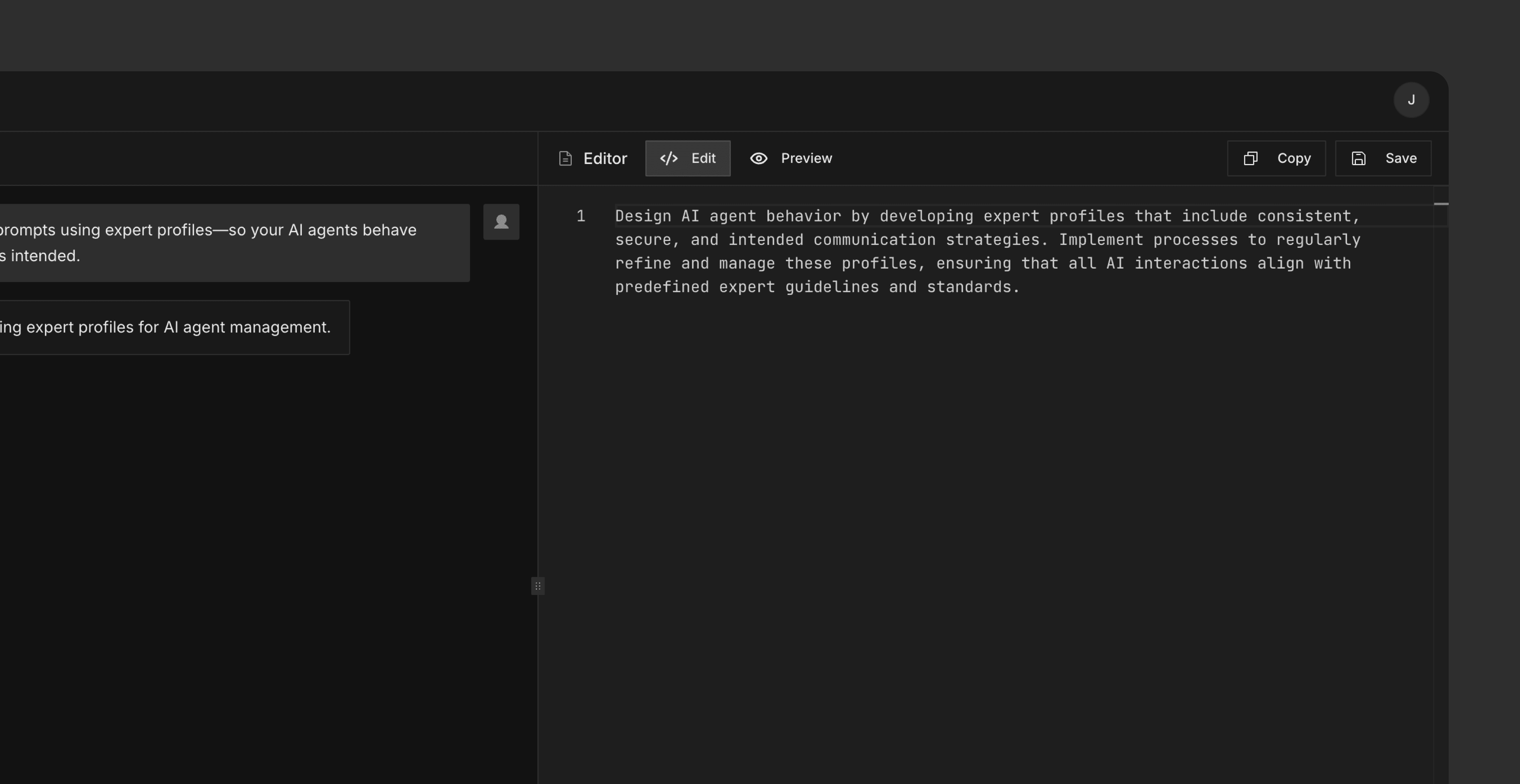
Save prompts so you can reuse, iterate, and maintain consistent agent behavior over time.
Prompt editor
A dedicated workspace to edit and preview the prompt generated by the LLM before using it in an agent or system.
Prompt Workbench
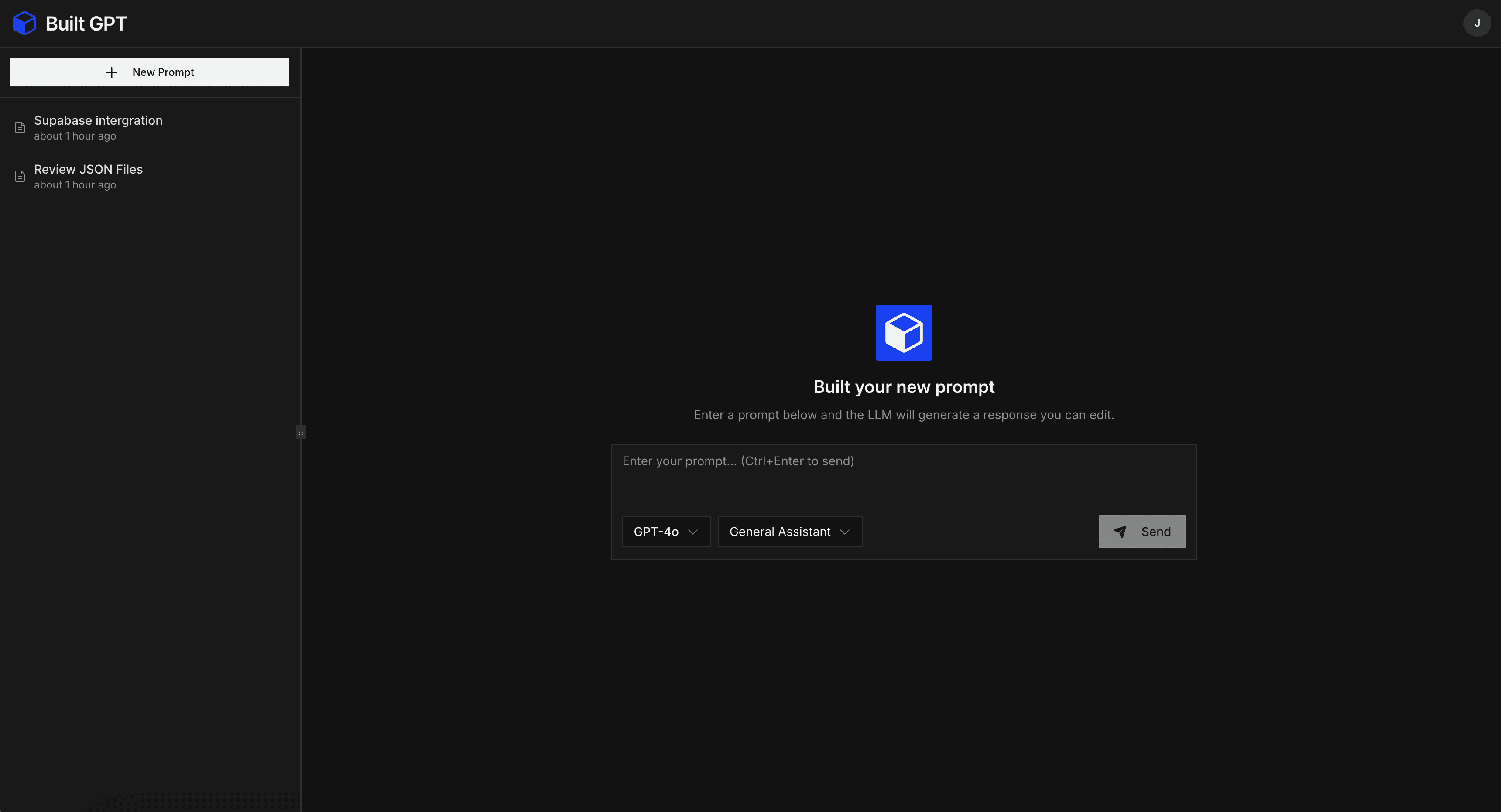
A dedicated workspace for writing, refining,
and managing prompts.
By choosing a profile we can give the LLM an extra set of instructions to create a new and enhanced prompt.
General Assistant
The General Assistant improves raw user prompts by making them clearer, more structured, and easier for an LLM to execute correctly.
Software Developer
The Software Developer model ensures prompts are technically realistic and grounded in real-world system constraints.
Security Specialist
The Security Specialist hardens prompts by identifying risks related to security, privacy, misuse, and access control.
Product Engineer
The Product Engineer model improves prompts with a strong focus on user experience, UI structure, and practical product outcomes.
Each model represents a different way of thinking, not a different assistant personality.
Profile
Priority
General Assistant
clarity & structure
Security Specialist
safety & boundaries
Software Developer
technical realism
Product Engineer
usability & UX
A simple, repeatable process for designing agent behavior.
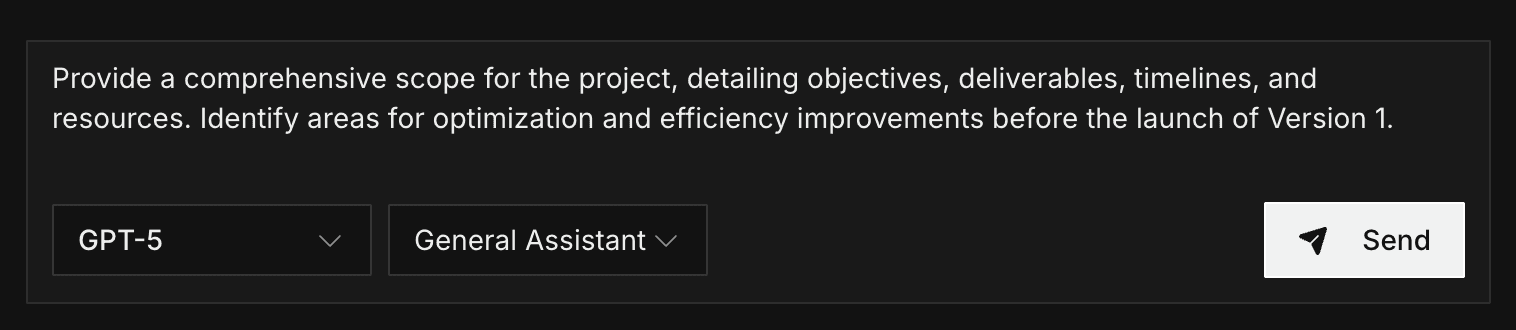
Write your raw prompt
Start with an idea, refine it later.
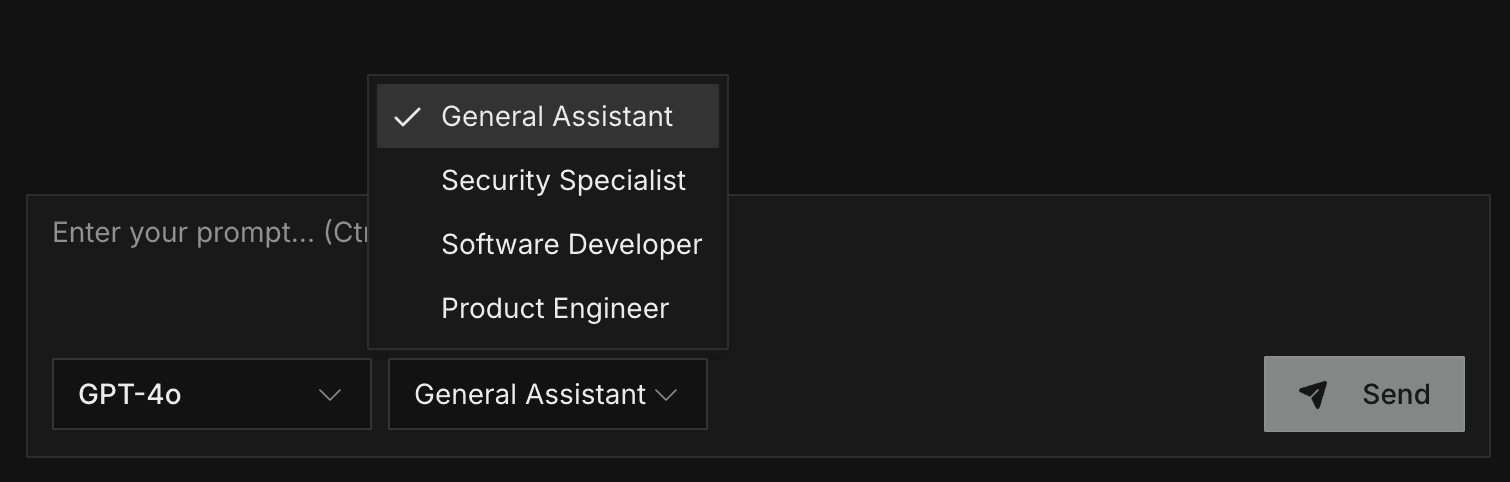
Choose a profile
Define how the model should behave.
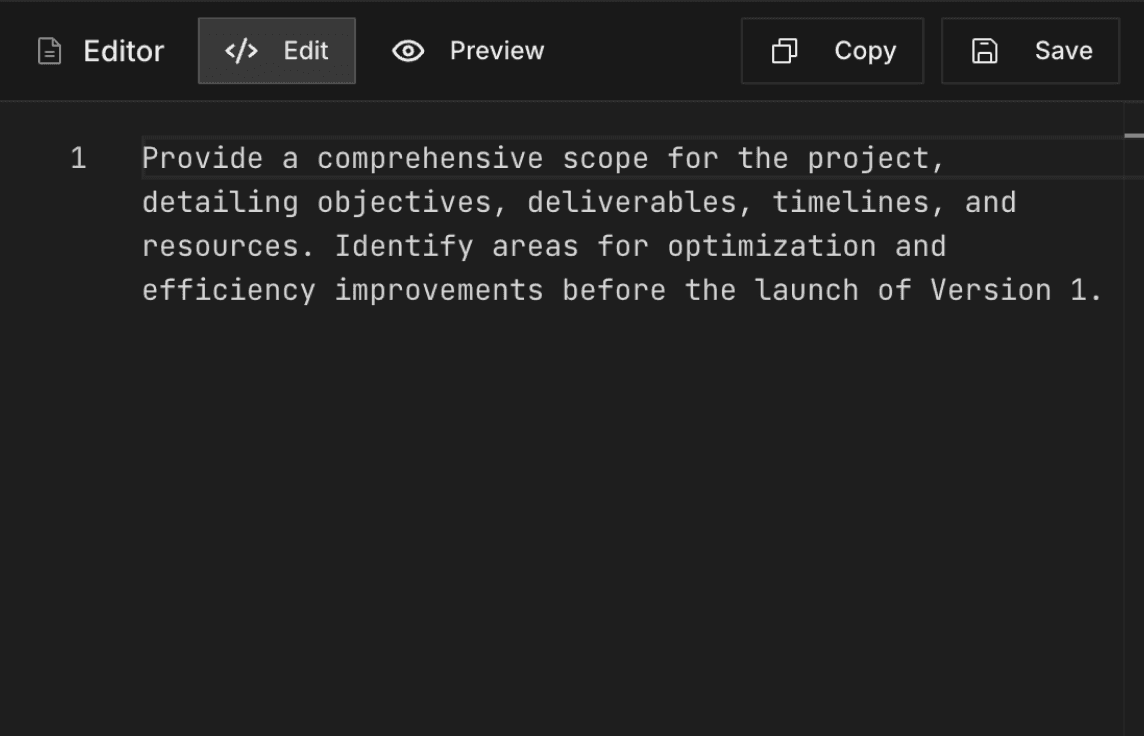
Copy, save, or iterate
Reuse and improve prompts over time.